
Internet television has changed the way people watch live channels, movies, and series. Instead of receiving television through a traditional antenna, cable connection, or satellite dish, IPTV sends video through an internet connection. This makes it possible to watch content on smart TVs, streaming devices, phones, tablets, computers, and other compatible hardware. 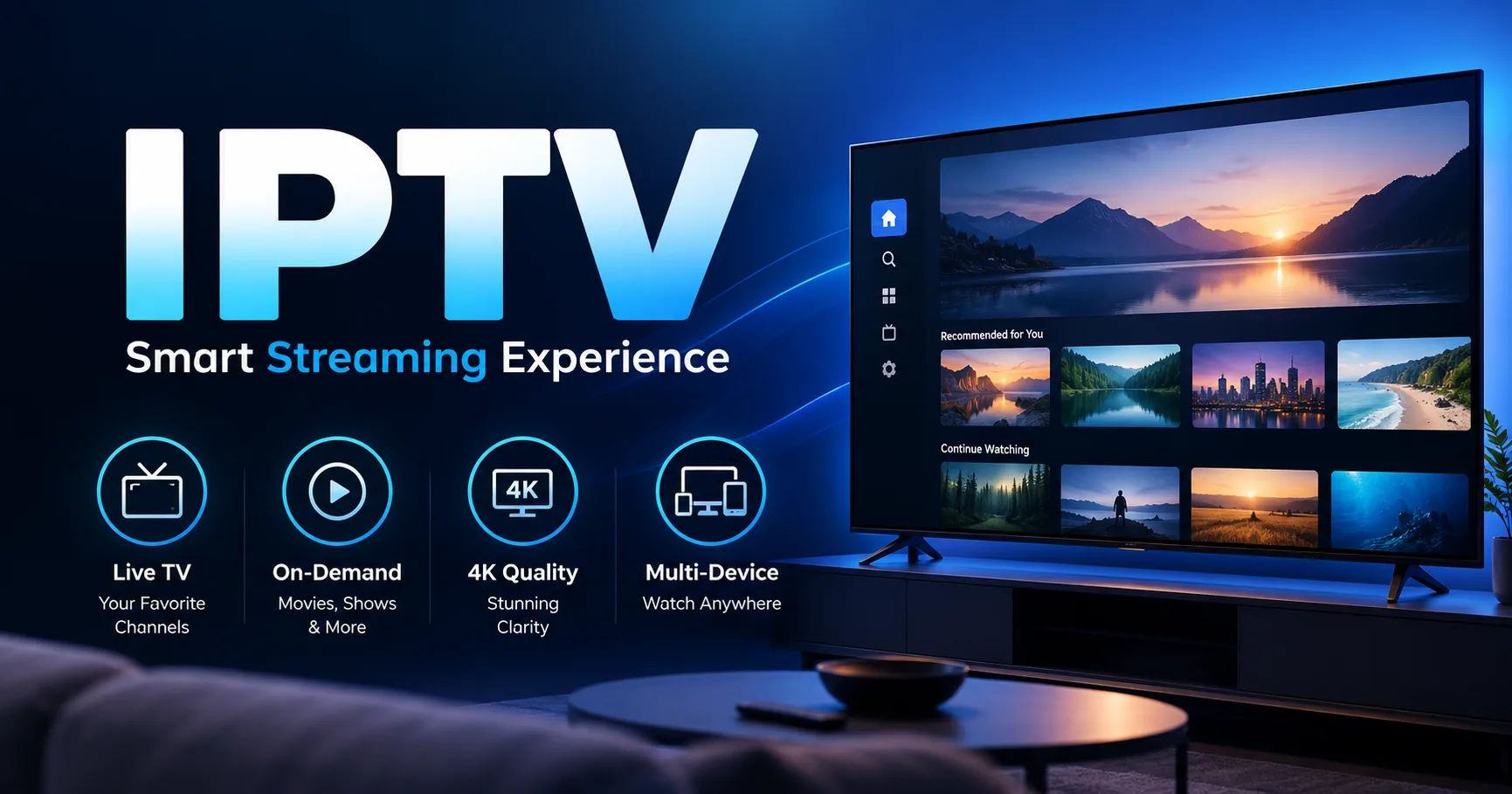 Hello Sky IPTV works around this basic IPTV principle. The service provides account access to a catalog of live television and on-demand content, while a compatible IPTV player acts as the interface that loads the available streams and displays them on your device. The quality you experience depends not only on the service but also on your internet connection, device, player, source stream, and local network.
Understanding how the system works makes troubleshooting much easier. A buffering problem, for example, does not automatically mean that the subscription itself is responsible. The issue could come from weak Wi-Fi, network congestion, an outdated player, device limitations, or the particular stream being watched.
What Is IPTV?
IPTV stands for Internet Protocol Television. It describes television and video content delivered through an IP network rather than through conventional terrestrial broadcasting, cable, or satellite delivery.
In simple terms, television content is converted into digital data and delivered across an internet connection. Your compatible device receives that data, and an application or IPTV player processes the stream so that you can watch it on the screen.
Pakistan's electronic media regulator, PEMRA, describes IPTV as a method of delivering and viewing television programming through an IP network and high-speed broadband technology.
The important point is that IPTV is a delivery method. It does not automatically describe a particular channel lineup, application, or subscription provider.
This distinction matters because an IPTV subscription and an IPTV player can have completely different jobs.
How Hello Sky IPTV Works
The easiest way to understand Hello Sky IPTV is to think of the service as one part of a larger streaming system.
First, you need an active account or trial. The account provides access to the content and services associated with your subscription.
Next, you need a compatible device. This could be a Smart TV, Fire TV device, Android TV box, phone, tablet, computer, or another supported platform.
You then use a compatible IPTV player. The player connects to the account using the login method supplied for your subscription. Depending on the setup, this may involve credentials, an M3U URL, server information, or another supported connection method.
Once the player has loaded the available catalog, you can browse channels, movies, series, and other supported categories.
When you select a channel or title, the player requests the corresponding stream. That stream is transferred through your internet connection and decoded by your device.
The basic process therefore looks like this:
Content source → IPTV service access → internet connection → IPTV player → streaming device → television or display
Each stage can affect the final viewing experience.
The Difference Between the Subscription and the Player
One of the most common sources of confusion is assuming that the IPTV subscription and the IPTV application are the same thing.
They are not.
The subscription provides access to the service. The player provides the software interface used to load and watch the available content.
The Hello Sky website specifically explains that the subscription and player have different functions. It also notes that a paid player license does not necessarily include a subscription, while a subscription does not automatically provide every third-party player license.
This separation is useful because different devices may require different applications.
For example, a Smart TV might use an application designed for its operating system, while an Android TV box can use a different player. An iPhone or iPad requires an iOS or iPadOS-compatible application rather than an Android APK.
The underlying account can therefore remain the same while the viewing environment changes.
What Happens When You Select a Live Channel?
When you open a live channel through Hello Sky IPTV, several things happen in a very short period.
The player identifies the stream associated with the selected channel.
It then requests data from the appropriate source. That data arrives through your internet connection in small packets.
Your device receives and temporarily buffers some of those packets. The player then decodes the video and audio information and sends it to the display.
The process repeats continuously while you watch.
Because streaming happens continuously, your device does not necessarily need to download an entire program before playback begins. Instead, it receives enough data to begin playing while additional data continues arriving.
This is why internet stability matters so much.
If the incoming data is interrupted or becomes too slow, the player may run out of buffered content. The result can be freezing, pauses, reduced quality, or buffering.
How On-Demand Content Works
Live television is only one part of the IPTV experience.
Services can also provide video-on-demand libraries containing movies and series. With on-demand content, you are not simply joining a stream that is already being watched by everyone else.
Instead, your player requests a particular movie, episode, or other available title.
The server-side system supplies the requested video stream, and the player handles playback on your device.
Current Hello Sky service information lists live channels, movies, and series as separate categories. Its published figures currently describe 15,000 live channels, 40,000 movies, and 8,000 series and shows. These are service-listed figures and can change as catalogs are updated.
That last point is important. A large catalog number should not be interpreted as a permanent guarantee that every listed item will always be available.
Content availability can change because sources, licensing arrangements, technical conditions, or service catalogs change.
What Is an IPTV Player?
An IPTV player is software designed to organize and play internet-delivered video.
You can think of it as the dashboard between your subscription and your screen.
Depending on the application, a player may display live channels, categories, movies, series, search functions, favorites, electronic program guide information, playback controls, and other features.
The player itself does not necessarily create the television content.
Instead, it receives the information provided through the account and presents it in a format that is easier to browse and watch.
This is why choosing a compatible player matters.
The Hello Sky installation information recommends matching the player to the exact device, operating system, login method, and account configuration.
How the Electronic Program Guide Works
Another useful feature can be the Electronic Program Guide, commonly called EPG.
An EPG displays scheduling information for supported channels. Instead of seeing only channel names, you may see the current program and upcoming programming.
However, EPG information is not created by your television.
The guide data must be supplied and correctly mapped to the relevant channels.
As a result, an EPG may work perfectly for one channel while being incomplete or unavailable for another.
Hello Sky explains that EPG availability depends on supplied guide data and compatible player support.
This is why a missing program description does not necessarily mean that the live channel itself is unavailable.
How Catch-Up Television Works
Some IPTV services also provide catch-up functionality.
Catch-up allows supported programs to be viewed after their original broadcast time.
Instead of accessing only the current live stream, the player can request previously recorded or otherwise available programming from the service.
However, catch-up is not automatically available for every channel.
The available period can also vary. One channel might provide several days of programming, while another may provide none.
Hello Sky describes catch-up as available on eligible streams, with coverage and duration varying according to the source and other technical factors.
Therefore, users should treat catch-up as a feature that depends on the individual stream rather than something guaranteed across an entire catalog.
What Devices Can Run Hello Sky IPTV?
Device compatibility is one of the most important parts of the setup.
Current Hello Sky information lists support across a broad range of platforms, including Smart TVs, Fire TV, Android, iOS, computers, MAG devices, Formuler devices, and other compatible hardware.
However, saying that a platform is supported does not mean every model, operating-system version, or application will behave identically.
A television's operating system can determine which applications are available.
An older device may also have weaker decoding capabilities than a newer model.
For that reason, it is better to identify the exact device before choosing an application.
What Internet Speed Does IPTV Need?
Internet speed is one of the biggest factors affecting streaming.
There is no single speed that guarantees perfect playback because streaming quality depends on more than download speed.
The Hello Sky feature information gives practical starting points of approximately 10 Mbps for many HD streams, 15 Mbps for Full HD, and 25 Mbps for 4K, while recommending additional bandwidth for other household activity. These figures are starting points rather than guarantees.
Suppose your internet package provides 50 Mbps.
That does not mean all 50 Mbps will always be available to your television.
Someone might be downloading a large file. Another person might be watching a video. Cloud backups could be running in the background. Several devices could be connected to the same Wi-Fi network.
All of these activities compete for available bandwidth.
Latency, packet loss, Wi-Fi interference, router performance, and network congestion can also influence streaming.
Why Does IPTV Sometimes Buffer?
Buffering occurs when the player cannot receive and process data quickly enough to maintain continuous playback.
There are several possible reasons.
Your Wi-Fi signal may be weak.
Your internet connection may be congested.
Your router may be struggling with multiple devices.
The streaming source may temporarily experience a problem.
The selected video may require more bandwidth than your connection can consistently provide.
The device may also have software or hardware limitations.
This is why repeatedly restarting the television is not always the right solution.
A more useful troubleshooting process is to determine where the problem occurs.
If every channel buffers, your local network or device deserves attention.
If one particular channel buffers while others play normally, the issue may be associated with that specific source.
If playback improves dramatically when you connect through Ethernet, Wi-Fi conditions may have been contributing to the problem.
Wi-Fi Versus Ethernet for IPTV
Wi-Fi is convenient, but Ethernet can provide a more stable connection when the television or streaming device is close enough to the router.
Wireless performance can be affected by walls, distance, interference from nearby networks, router placement, and the number of connected devices.
The Hello Sky guidance recommends Ethernet where practical and strong 5 GHz Wi-Fi where wireless connectivity is necessary.
This does not mean that every IPTV user needs a wired connection.
Many households can stream successfully over Wi-Fi.
The important thing is to test the setup under normal viewing conditions rather than assuming that a speed-test result tells the whole story.
Does 4K Always Mean Better Streaming?
A 4K label describes resolution, but resolution alone does not guarantee a better viewing experience.
A 4K stream requires appropriate source quality, sufficient bandwidth, compatible decoding hardware, a suitable player, and a display capable of showing the resolution properly.
A poorly compressed 4K stream can sometimes look less impressive than a well-produced Full HD stream.
Hello Sky notes that available quality can include SD, HD, Full HD, and selected 4K streams, with actual performance depending on the source, player, device, and network.
This is why it is sensible to test the streams you actually plan to watch rather than judging an IPTV service solely from a resolution label.
How to Set Up Hello Sky IPTV
The setup process is generally straightforward when the account, device, player, and network are compatible.
Start by confirming that your subscription or trial is active.
Next, identify the exact device you intend to use.
Install a compatible player from an appropriate source for that platform. The Hello Sky installation guidance recommends official device stores or verified sources and warns against unknown modified APK files.
Enter the supplied login information carefully.
A single incorrect character in a username, password, server address, or playlist URL can prevent authentication.
Once the account loads, allow the player to refresh its catalog.
If supported, refresh the EPG as well.
Then test several live channels and some on-demand content.
Testing multiple sources is important because one successful channel does not prove that every available stream will perform identically.
Why a Trial Can Be Useful
A trial can provide practical information that a specification sheet cannot.
Hello Sky currently advertises a 24-hour trial intended to allow users to test their device, player, categories, video-on-demand navigation, EPG availability, and normal home network.
That is useful because compatibility is highly dependent on the combination of equipment and network being used.
For example, a service may work smoothly on one television but require a different player on another.
A trial also lets you test the channels you actually care about.
Rather than watching one random channel for two minutes, test several categories at different times of day. If sports, news, movies, and regional channels are important to you, check each category.
Keeping Your Account Secure
IPTV credentials should be treated like other account information.
Do not publicly post usernames, passwords, playlist URLs, or portal details.
Do not give your credentials to strangers.
Avoid downloading applications from suspicious websites simply because they claim to be an official player.
Hello Sky's published terms prohibit unauthorized sharing, restreaming, scraping, copying, redistribution, and resale except through authorized arrangements.
Keeping credentials private is therefore both a security measure and an important part of following the service's account rules.
Content Availability
A large IPTV catalog can look impressive, but users should understand that catalogs are not necessarily static.
Channels can disappear temporarily.
A movie can be removed.
A series can be reorganized.
A stream can experience technical problems.
EPG information can become outdated.
The Hello Sky terms specifically state that live channels, movies, series, categories, EPG, catch-up, and resolution options can change, and that particular content, bitrate, or uninterrupted availability is not guaranteed unless explicitly confirmed for a specific order.
That makes realistic expectations important.
The service should be evaluated based on the content, device, and network combination you actually use.
Legal and Responsible IPTV Use
IPTV technology itself is simply a method of delivering television through IP networks.
The legal status of particular content or services can depend on licensing, copyright, broadcasting regulations, and the country where the viewer is located.
This distinction is important because not every IPTV service necessarily has the same rights to every program.
Before subscribing, users should review the provider's terms, understand what type of access is being sold, and make sure their use complies with the laws and regulations that apply to them.
Hello Sky's own information states that customers and resellers are responsible for lawful use and compliance with applicable rules in their location.
Common Problems and Practical Solutions
If the application will not log in, first check the credentials and connection details supplied with the account.
If the catalog does not appear, refresh the playlist or account information where the player provides that option.
If the EPG is missing, refresh the guide data and check whether the relevant channel actually provides guide information.
If one channel buffers, test other channels.
If everything buffers, test your internet connection and local network.
If playback works well on Ethernet but not Wi-Fi, investigate wireless signal strength and interference.
If an application crashes repeatedly, check for software updates and confirm that the application is compatible with the device's current operating system.
These simple distinctions can prevent users from replacing equipment unnecessarily.
What Actually Determines the Viewing Experience?
The performance of Hello Sky IPTV is not controlled by one factor.
It is the result of several components working together.
The content source determines the original stream.
The service determines what account access and catalog are available.
The player determines how the information is organized and processed.
The device determines decoding and display capabilities.
The internet connection determines how reliably the stream reaches your home.
Your router and Wi-Fi environment determine how effectively that connection reaches the device.
This explains why two people using the same IPTV service can have noticeably different experiences.
One person may use a modern television connected through Ethernet.
Another may use an older streaming device several rooms away from the router.
The subscription can be identical while the viewing conditions are completely different.
Conclusion
Hello Sky IPTV works by combining internet-based video delivery with a compatible IPTV player and a suitable viewing device. The subscription provides access to available live and on-demand content, while the player loads that information and turns the streams into something you can browse and watch.
The technology itself is not especially mysterious. Video is delivered as data across an IP network, received by your device, processed by the player, buffered when necessary, decoded, and displayed on your screen.
The more important question is how well all the individual components work together.
Your device needs to support the selected player. Your login details need to be correct. Your network needs enough stable bandwidth for the quality you are trying to watch. Your Wi-Fi environment needs to be reliable if you are not using Ethernet. The individual stream also needs to be available and functioning properly.
Features such as EPG, catch-up, search, favorites, movies, series, and different video resolutions can make the experience more convenient, but their availability can vary by source, account, device, and player.
For that reason, the most practical way to evaluate Hello Sky IPTV is to test it on the equipment and internet connection you actually intend to use. A trial, where available, can reveal much more than a simple list of specifications because it lets you check real playback, channel availability, guide data, and device compatibility.
Ultimately, IPTV works best when the service, player, hardware, and network are treated as parts of one system. Understanding that relationship makes setup easier, makes troubleshooting more logical, and helps users form realistic expectations about streaming performance.